
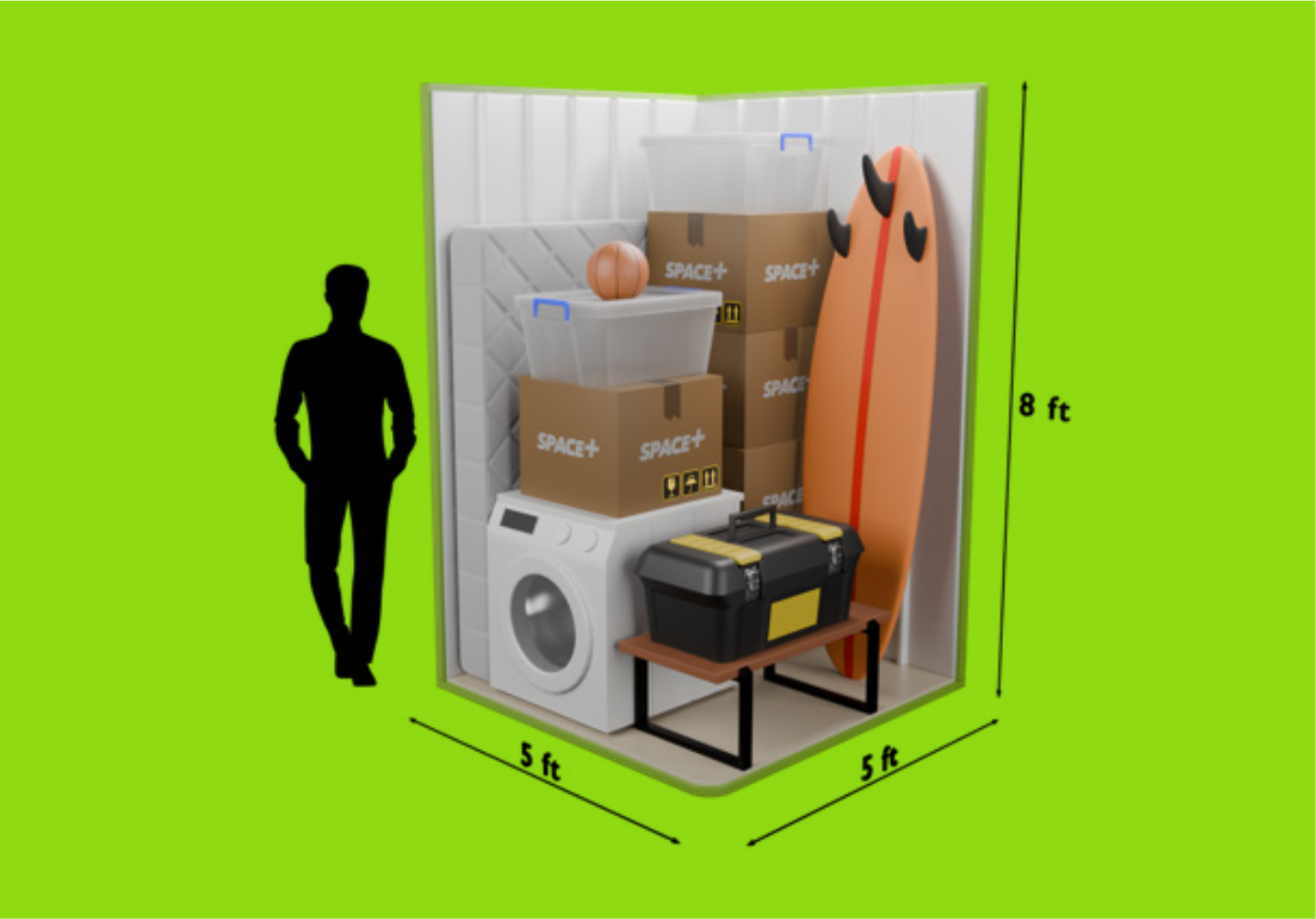
Start by browsing our available unit sizes — we have eleven options, ranging from a small 16 sq ft locker (about the size of a walk-in wardrobe) up to a 250 sq ft room (bigger than a large shipping container).
Not sure how much space you need? Don’t worry — most people aren’t. Our size estimator asks you a few simple questions about what you’re storing and suggests the right size for you. You can always change your unit size later if you need more or less space.

Once you’ve chosen a size, pick your move-in date and complete your reservation online. This takes just a few minutes — you’ll set up your payment details and choose whether to add Storeprotect contents insurance.
You can reserve up to 24 hours before your move-in date and cancel free of charge right up until then, so there’s no risk in booking early.

As part of the sign-up process, we’ll ask you to verify your identity. This is a legal requirement for all self storage facilities in the UK — it’s not something unique to SPACE+.
The process is done entirely online through a secure, trusted third-party verification system. We do not see, store or hold any of your ID documents — the entire process is managed independently and securely on our behalf. It takes about two minutes and can be done on your phone. You’ll need a valid passport or driving licence to hand.
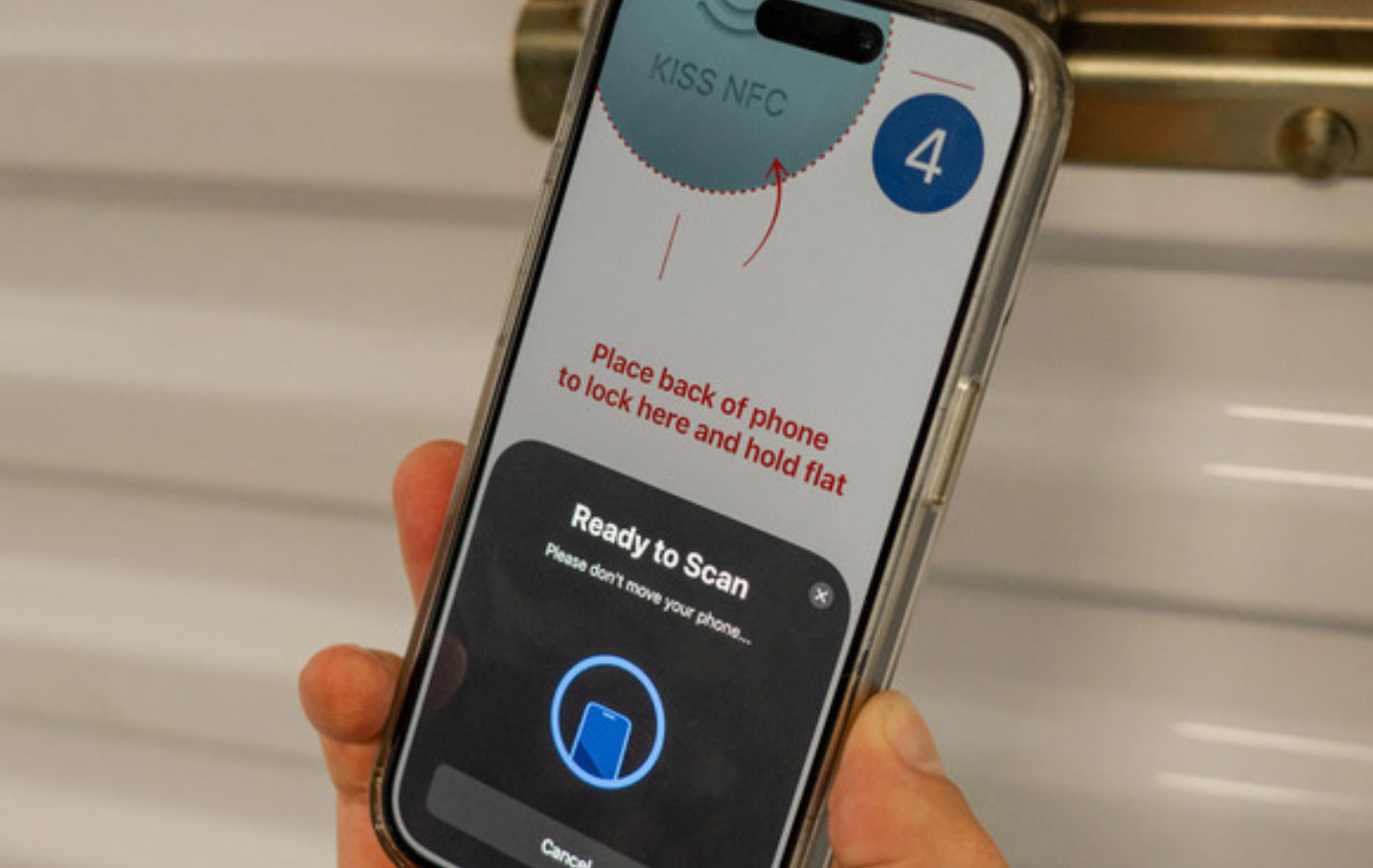
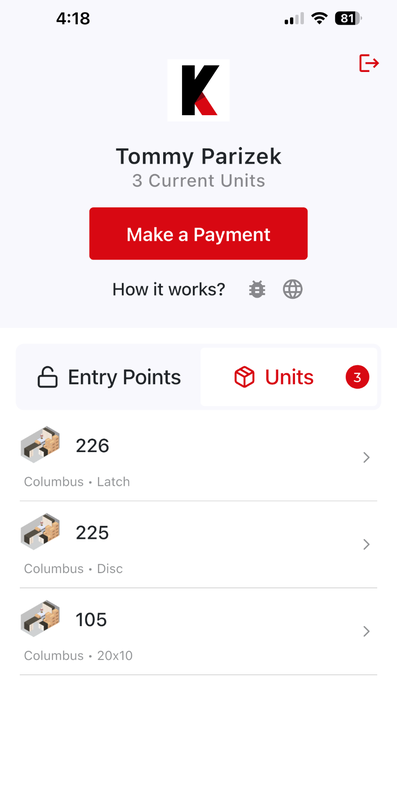
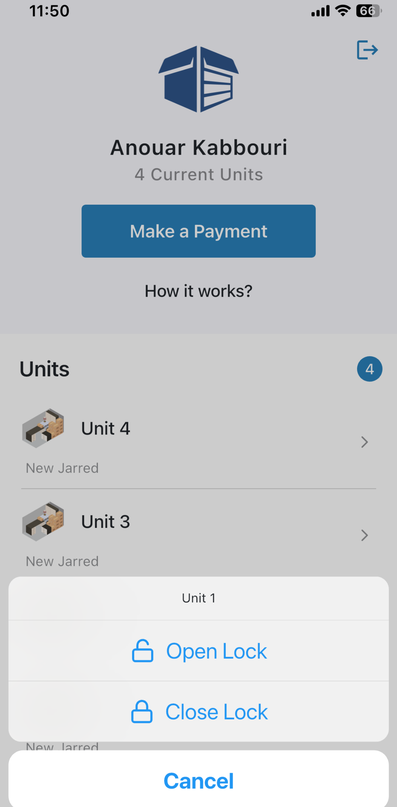
Once you’ve completed sign-up, you’ll receive a welcome email from us with a link to download the ONElock Access app. It’s available on iOS and Android and takes less than a minute to set up.
The app allows you to open the doors to our facility and your unit by holding your phone close to the access panel — no keys, no codes, no fuss. It will guide you through access with easy-to-follow instructions. You’ll be a pro in no time.
This works using the same technology that powers contactless payments — if your phone can tap to pay, it can open your unit.
Before your move-in date, you’ll receive a welcome email from us with your unit number and everything else you need to know. On the day, your app will automatically be granted access to your unit — you don’t need to do anything extra.
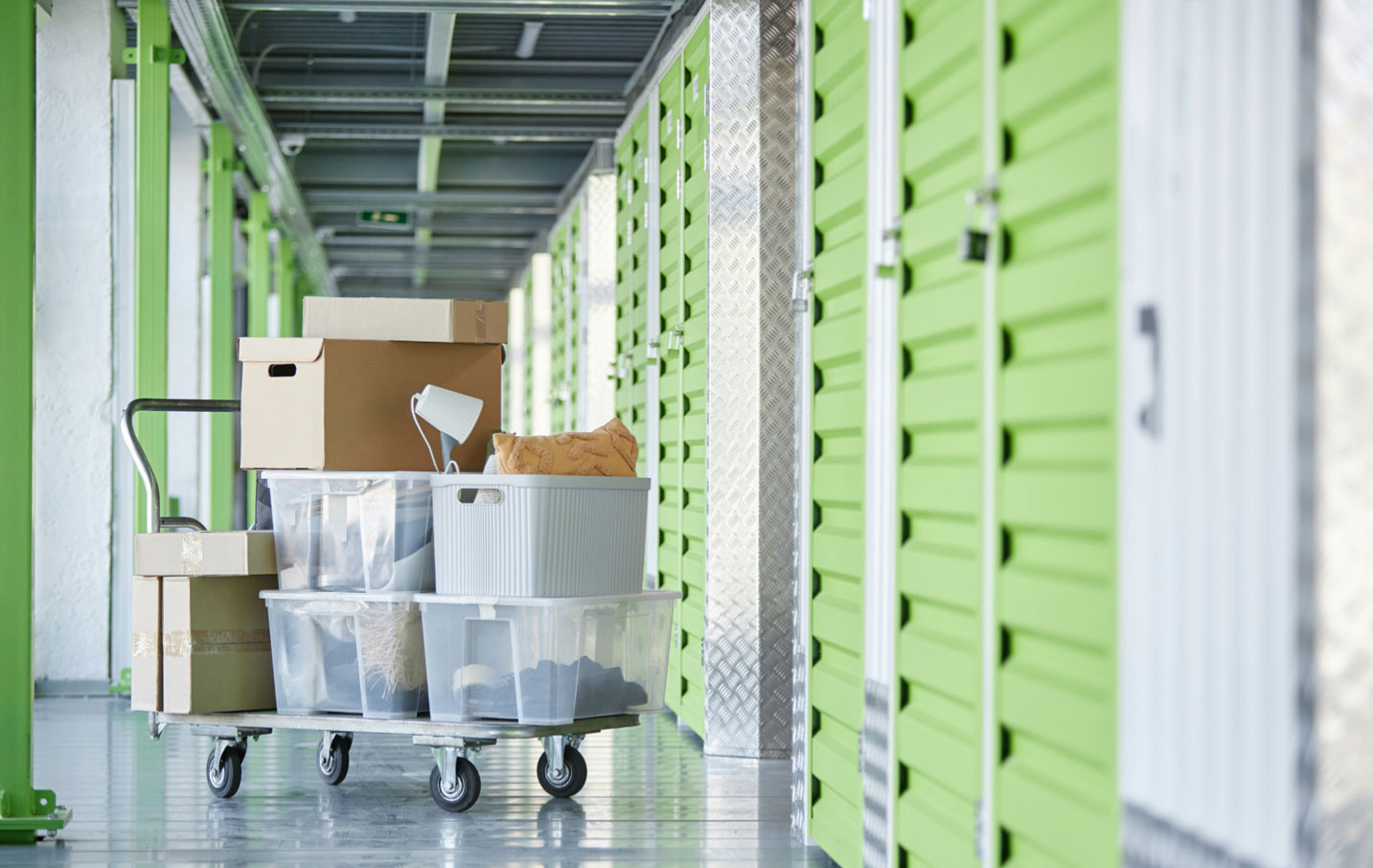
Simply drive to the facility — there’s parking directly outside — open the ONElock Access app, tap your phone to the entrance to let yourself in, and make your way to your unit. Trolleys are available on site to help with heavy or bulky items.
The facility is open from 6am to 9pm, 7 days a week including bank holidays. Your unit is yours from day one — set it up however works best for you.
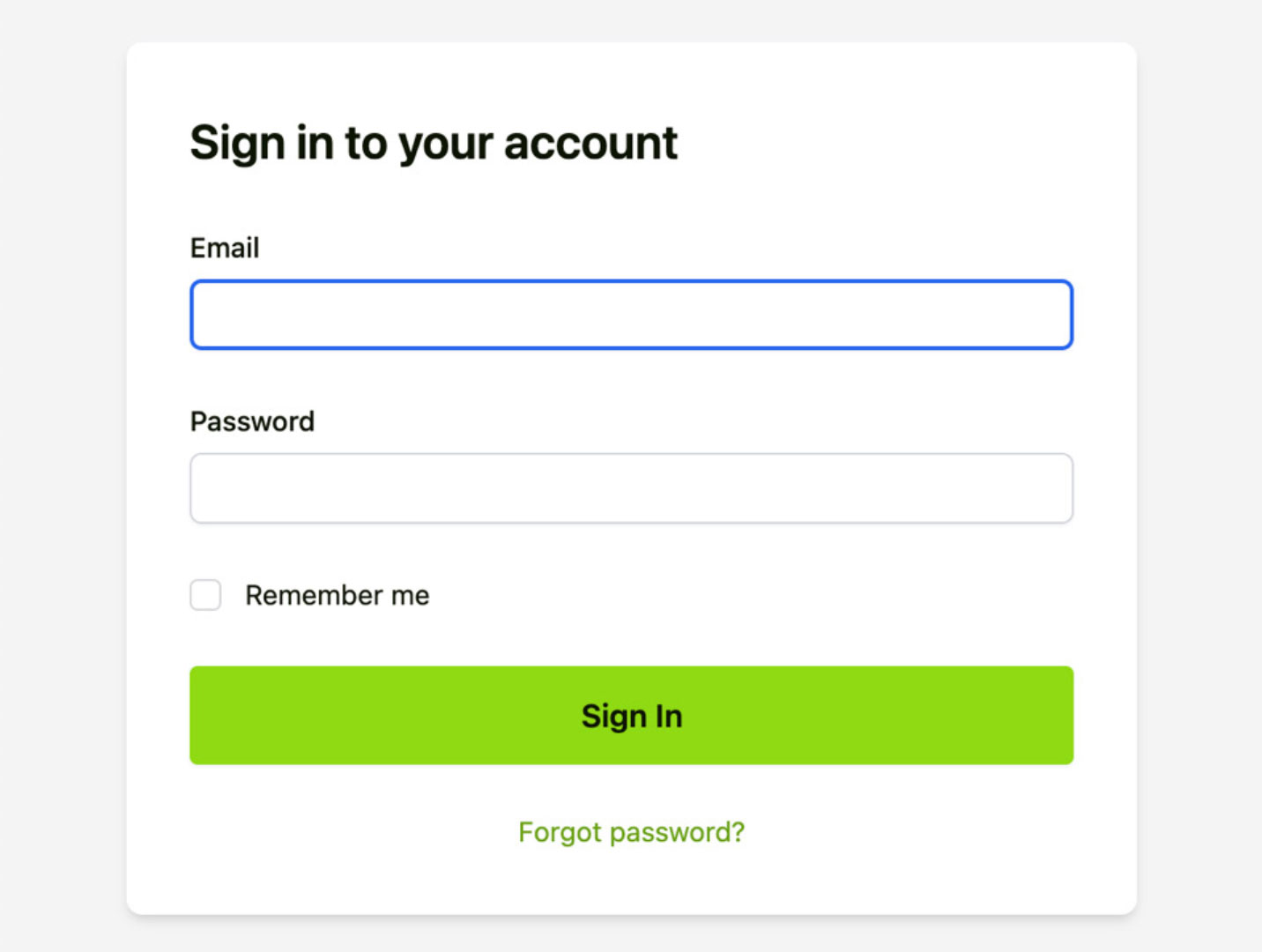
Once you’re up and running, everything is managed through your online account. You can log in at any time to update your payment details, change your unit size, add additional authorised users who can access your unit, or give notice when you’re ready to leave.
You can also grant temporary access to third parties — such as a removal company — directly through the app. Every access to your unit is digitally logged, so you always know who has been in.
Good to know
A few things that are worth understanding before you move in. You’ll find more detail on all of these in our FAQ page.

Rather talk to an
actual human?
We know that not everyone wants to do everything online – and that’s completely fine. We have one of those. A human. They’re very friendly, know the facility inside out, and will happily walk you through everything, answer your questions and help you get set up.
Give us a call, send a WhatsApp, or book a viewing and we’ll show you around in person. No pressure, no obligation.